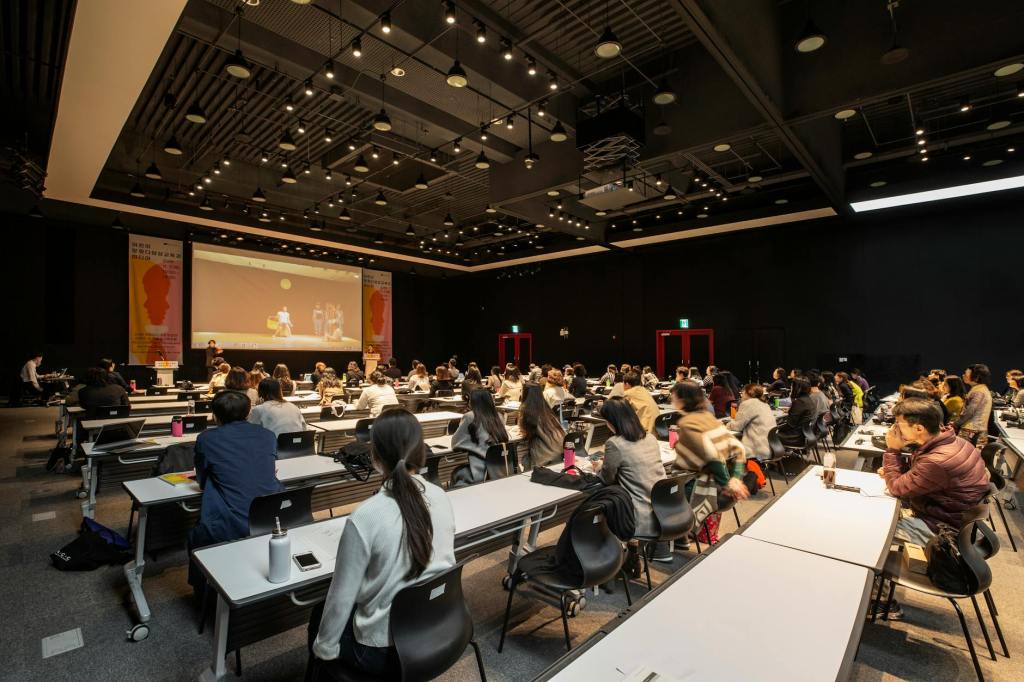
The other day, I attended a training seminar event. In one of my sessions, the professional speaker started the session by saying he refused to use microphones as he liked to move around the room (even though the event offered lapel microphones). I thought to myself, well, that may be tricky for me to understand him, but I am sitting toward the front of the room so I may hear. I also thought I would use my captioning app if I was struggling. However, he proceeded to say that he does not want anyone using their cell phones during his class and told a story of recently kicking a school superintendent out of the room for using their phone during his class. At this point, I felt completely unwelcome in the classroom and debated just choosing to leave on my own rather than struggle to get the content.
Unfortunately, these sorts of situations happen frequently at conventions and trainings. While most speakers are not as dismissive of other’s needs as my example, typically acoustics are awful in convention settings. There are often high cielings with lots of noise bouncing around. The sound systems seem to frequently be in disrepair, or speakers opt not to use them.
Networking is typically an extremely important part of any professional event. However, networking often occurs in banquet halls or bars where there is a ton of background noise and others talking. It can be extremely hard to participate and hear. Also, the tables are frequently circles. As someone with one deaf ear, there is no good seat at a round table. Someone is always sitting on my deaf side.
There is no denying that conventions can be extremely challenging, but I have found some tips and tricks to help.
In a class, I always try to sit towards the front of the room. This is both to hear better as well as to be able to see lip reading and facial cues. I also choose to sit so that my hearing ear is toward the majority of the classroom. Best of all, if there are aisles, I sit at the end so no one is sitting on my deaf side. I bring along my phone for captioning abilities and a power bank to keep my battery going. I don’t often have the option of using a hearing loop, but if there is one I do utilize it to connect the sound system to my hearing aid.
During meals and networking, I do the best I can to find spaces where I can hear better, such as a corner. I also am straightforward about my hearing loss with my seat neighbors, as I would rather share than be perceived as rude when I don’t hear. I often clip a “hard of hearing” button to my convention name badge to help notify folks I may miss things.
When I attend these events, I plan that there will be significant hearing fatigue. I try to make sure I have quiet opportunities around the edges of the training. I know that I will need my rest and may not have energy for much more that day. I also give myself permission to take breaks and not attend everything. Some days, I may need to take some quiet time during optional events so I can power through the more important parts.
As accessibility features become more economical and easily installable, I hope that more training and conventions begin to offer a greater variety of accessibility options. Live captioning apps have become so much more ubiquitous, hopefully these events start utilizing the technology more. Also, auracast is extremely promising tech for bluetoothing sound, hopefully that leads to new avenues of inclusion.
In the meantime, it is important to inform your events and conventions what you need to be successful. If we don’t speak up, we won’t see the services and accommodations we are looking for. You can bet that I described my issues with my speaker experience on the event evaluation, and I also made a point to tell the speaker himself how much his choices affected my ability to participate in the class.
Other resources:
https://hearinghealthmatters.org/findhearing/2023/hearing-loss-accessibility-conferences/

 The "Lucky" Brain Tumor
Leave a comment